Lounge chair
Product info
$1400
Reviews
4 out of 5 stars
Description
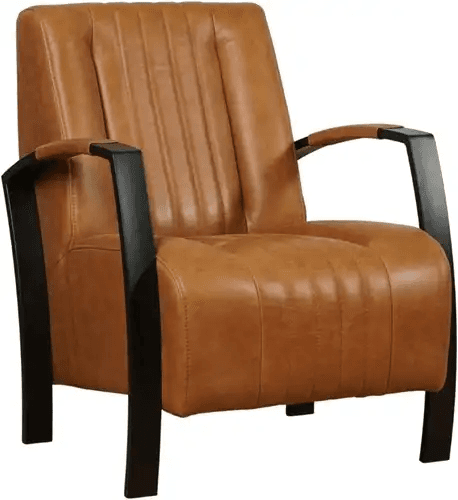
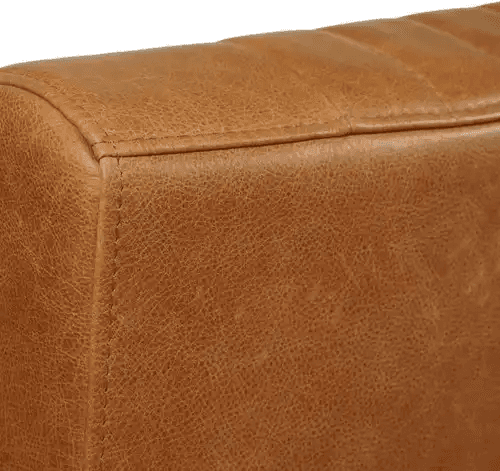
Classic design meets modern comfort. This lounge chair is upholstered in premium leather and has an adjustable backrest. Perfect for the living room, home office or reading corner. The sturdy construction ensures years of seating comfort.
Specifications
A 3D product viewer on your product page
What you see above is an interactive 3D product viewer, exactly like you can place on your own webshop. Your customers view the product from all angles, zoom in on the texture and see every detail. No static photos, but a real 3D model they can fully explore. The viewer works directly in the browser, on any device. On a phone, customers place the product in their own room using augmented reality. They see how big it is, how it fits with their furniture and if the color matches their interior. This is what 3D visualization does for webshops: customers who better understand what they're buying, decide faster and return less.
Interactive exploration
Drag with your mouse or finger to rotate. Scroll or pinch to zoom in and out. View the chair from above, from the side, from behind. Zoom in on the seams, the finish, the details. Everything in smooth 3D.
- Rotate with mouse or touch
- Pinch to zoom
- 360° view
Augmented reality
On your phone you'll see an AR button. Tap it and place this chair in your own room. See how big it is compared to your furniture. Walk around it, view it from all angles. As if the product is really in your space.
Why 3D?
Photos only show one angle. With 3D you view the product like you would in a store: rotate, tilt, examine up close. You get a complete picture before you buy.
The explanation, right where it belongs
The viewer above carries two numbered points. They are pinned to the model and turn with it. Tap one and you read why that part is the way it is, without hunting for a list of specifications.
Try it
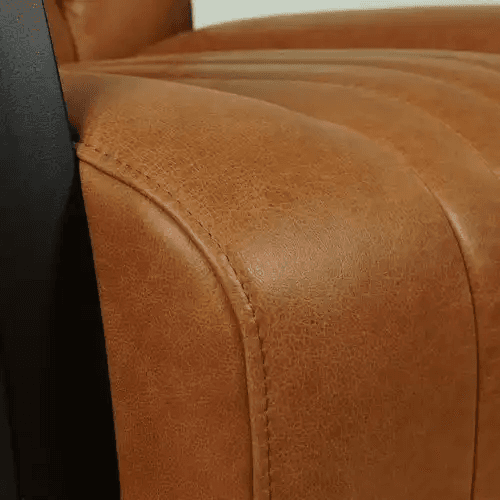
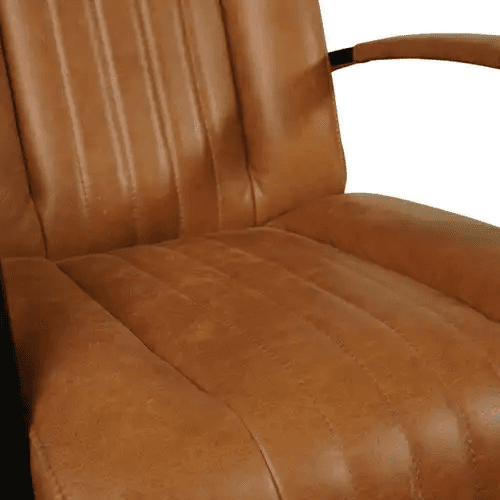
Click point 1 on the armrest or point 2 on the seat. Then turn the chair a quarter turn: the points stay where they are and slip behind the model once they reach the far side. The button at the bottom right of the viewer switches them off.
Why this works
Specifications under a photo rarely get read. An annotation sits on the part itself, so it is read at the moment someone is looking at it. You place them on your own model in Portal. Useful for seams, hinges, materials and anything a customer would otherwise have to call about.
I want this too
Upload your own 3D model to Portal and build a configurator around it. The first model is free and you do not need to enter payment details.