March 15, 2026
Copilot 3D: free 3D models from a photo, no designer
Microsoft has launched Copilot 3D, a free AI tool that turns a regular photo into a 3D model. Upload an image, wait a few seconds and you have a rotatable 3D model you can download. What does this mean if you have a webshop?
What is Copilot 3D?
Copilot 3D is a Microsoft experiment that runs in your browser. You upload a photo, the AI analyses the image and generates a 3D model from it. The result is a GLB file: the standard format for 3D on the web. You don't need to install anything and it's free to use with a Microsoft account.
The tool is part of Copilot Labs, Microsoft's playground for new AI features. It's designed to be accessible: no 3D knowledge needed, no expensive software, just a photo and a click.
How does it work?
The process is surprisingly simple:
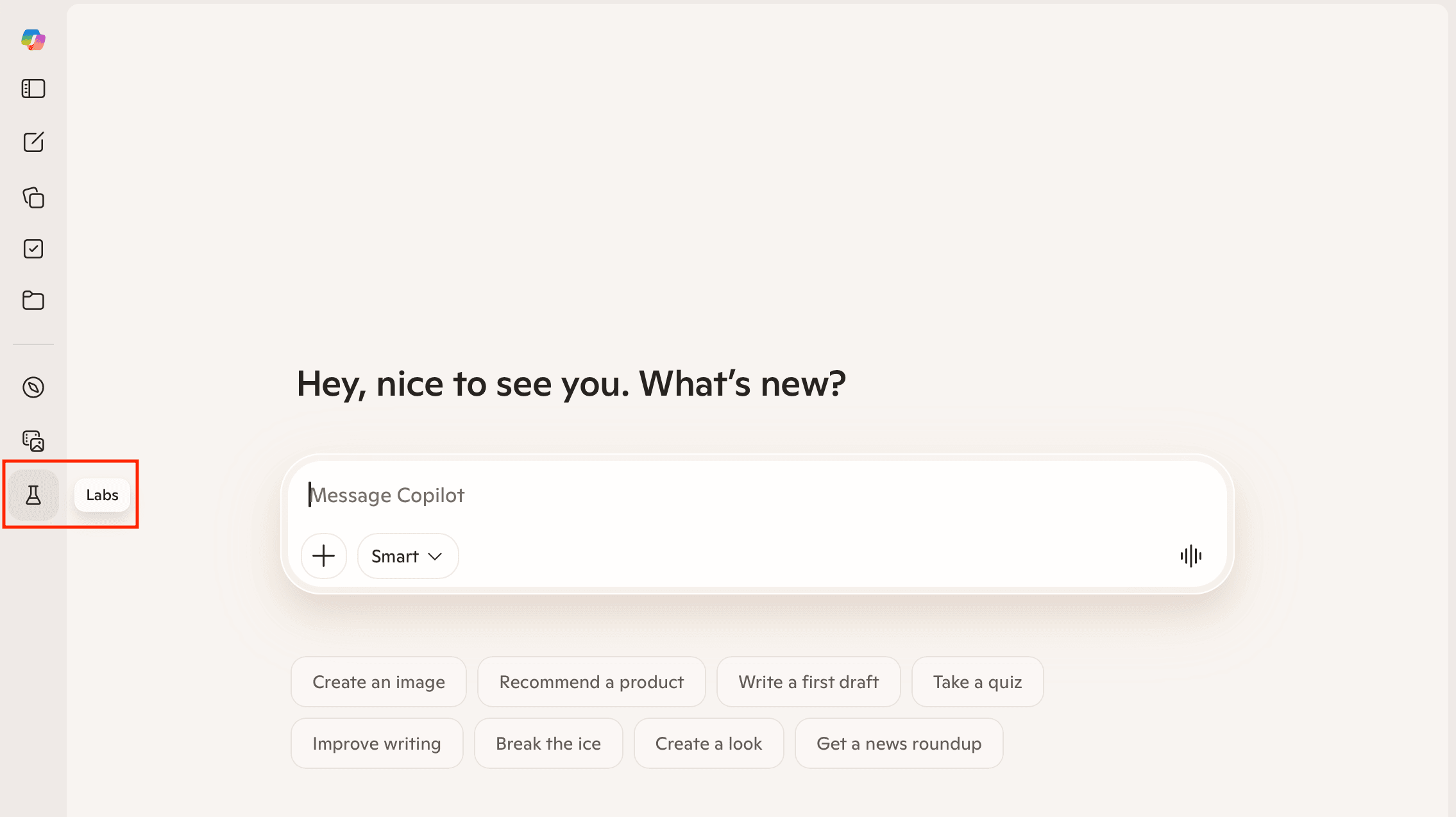
Step 2: Open Copilot 3D
Click 'Try now' on Copilot 3D.
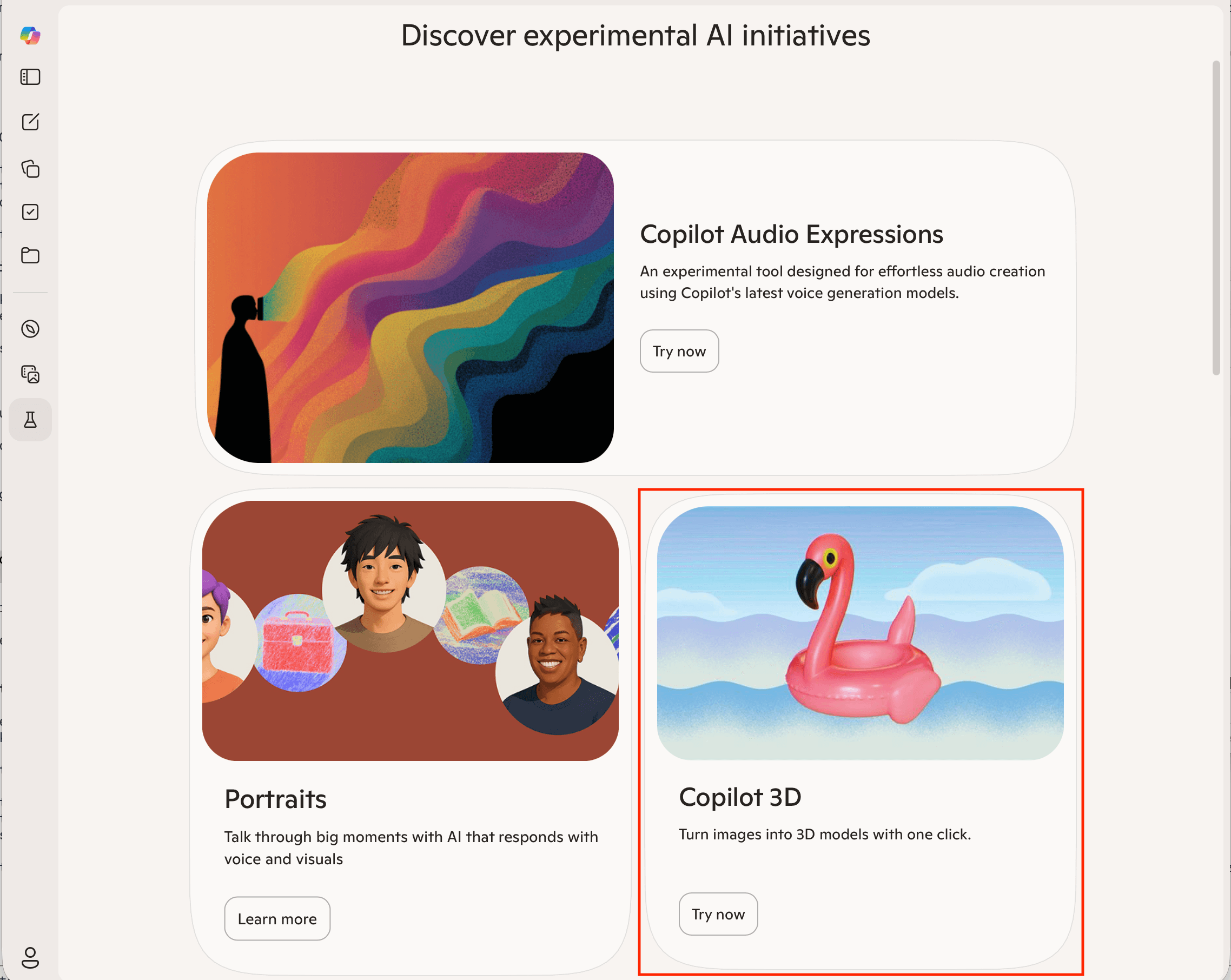
Step 3: Upload a photo
Upload a photo of your product. It works best with a single object against a clean background. Click 'Create' and within a few seconds a 3D model appears that you can rotate and inspect.
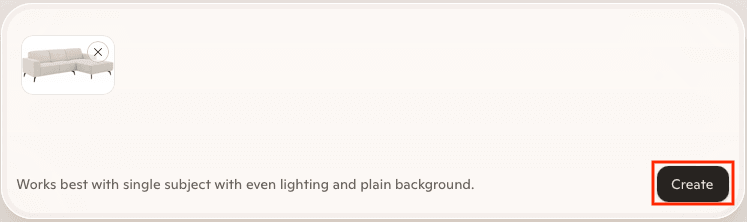
Step 4: View the result
After a few seconds a preview of your 3D model appears. Click on it to view the full model.
Step 5: Download as GLB
In the full model view you can rotate and zoom. Choose GLB as the download format, that's the standard format for 3D on the web.
Note: your creations are only stored for 28 days in Copilot.
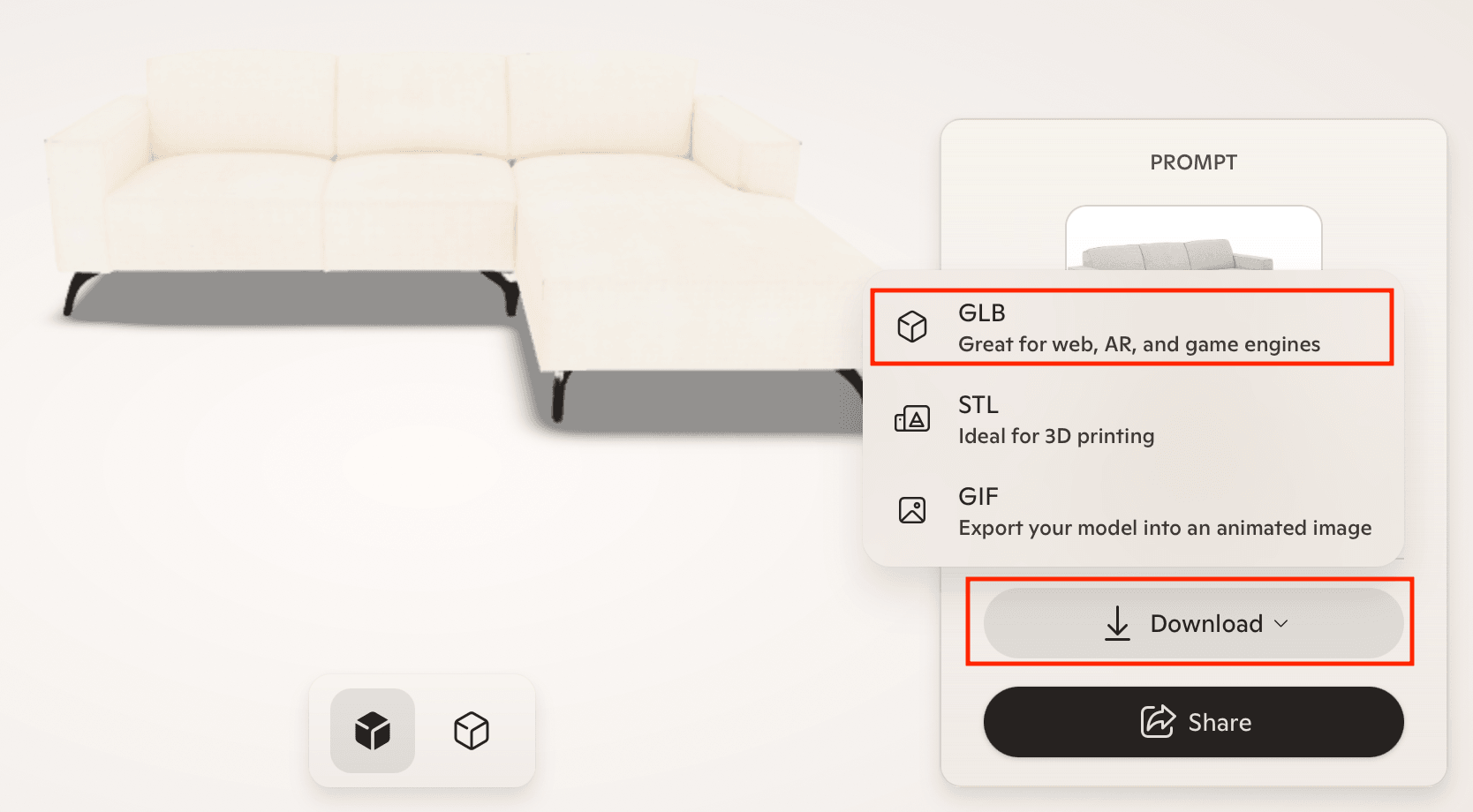
The AI tries to infer depth and shape from your photo. With simple objects and clear contours it works surprisingly well. With complex shapes or busy backgrounds the results become less predictable.
What does this mean for webshops?
Until now, getting a 3D model made was always an investment. You needed a 3D modeller who built a model from photos or technical drawings. With tools like Copilot 3D, that changes. You can now experiment with 3D without it costing you anything.
That makes the barrier to start with 3D on your webshop much lower. You don't need to invest in professional models right away to see if 3D adds value to your product pages. Make a few models, check the result and then decide if you want to go further.
How do you share a Copilot 3D model?
You've created a 3D model, but now what? Copilot has a Share button that lets you share the model. Others can then view and rotate it. But that's it. A GLB file isn't something you can send via WhatsApp, paste in an email or embed on your website. And AR? Not included. You need a viewer that can do more.
With Virtualdisplay Portal you solve that. Sign up, upload your GLB file and you instantly get an embed code and a shareable link:
- Download your GLB file from Copilot 3D. That is the format Portal expects.
- Create an account at portal.virtualdisplay.io. Your first model is free.
- Upload your model. You instantly get an embed code and a shareable link.
- Embed it on your website or share the link via WhatsApp, email or social media.
With the embed code you place the 3D model on your product page. With the shareable link anyone can view your creation in the browser, without installing anything. They can rotate, zoom and on mobile even place it in their own space using augmented reality.
What if the quality isn't good enough?
Copilot 3D is impressive for a free tool, but it's not a replacement for professional 3D modelling. The models can be somewhat angular, textures may differ and complex products don't always come out well. For a first impression or a prototype it's fine. For your product page you probably want more.
We create photorealistic 3D models from your product photos or technical drawings. Optimised for web, ready for AR and tailored to your products. Get in touch if you want to know what we can do for you.
Ready to get started?
Try Copilot 3D and upload your first model to Portal. Or let us create a professional 3D model for you.