Visual configurator - Let visitors build your product and see it as they go
A visual configurator lets visitors build your product and shows the result in 3D as they go. Not colour swatches beside a photo, but the product as it will arrive.
What a visual configurator does
Most webshops ask visitors to pick from lists. Colour, size, material, finish. What the combination adds up to is left to their imagination.
A visual configurator turns that around. Every choice changes the model on screen. Visitors see what they are ordering before they pay for it.
That helps both ends. Visitors hesitate less, and you get fewer returns from people who pictured something else. There is more on this on 3D for ecommerce.
Sound familiar?
Then a configurator probably fits your product.
You keep answering the same question
"What does that colour actually look like?" If you answer that by email with photos, a configurator does that work for you.
You photograph every variant separately
10 colours times 3 sizes is 30 shoots. 1 3D model covers the lot, including the combinations you have not thought of yet.
Your returns are about expectation
Not broken, not the wrong item, just different from what they pictured. That is exactly what a visitor wanted to see up front.
It is not only for furniture
Configurators get associated with interiors. But it works just as well for jewellery, technical parts and electronics. Turn these 4 yourself.
Jewellery
Material, stone and size change the look completely. One photo per combination is not realistic.
Wearables and electronics
Straps, colours and accessories. Visitors build what they will wear and see it from every angle.
Technical and installation
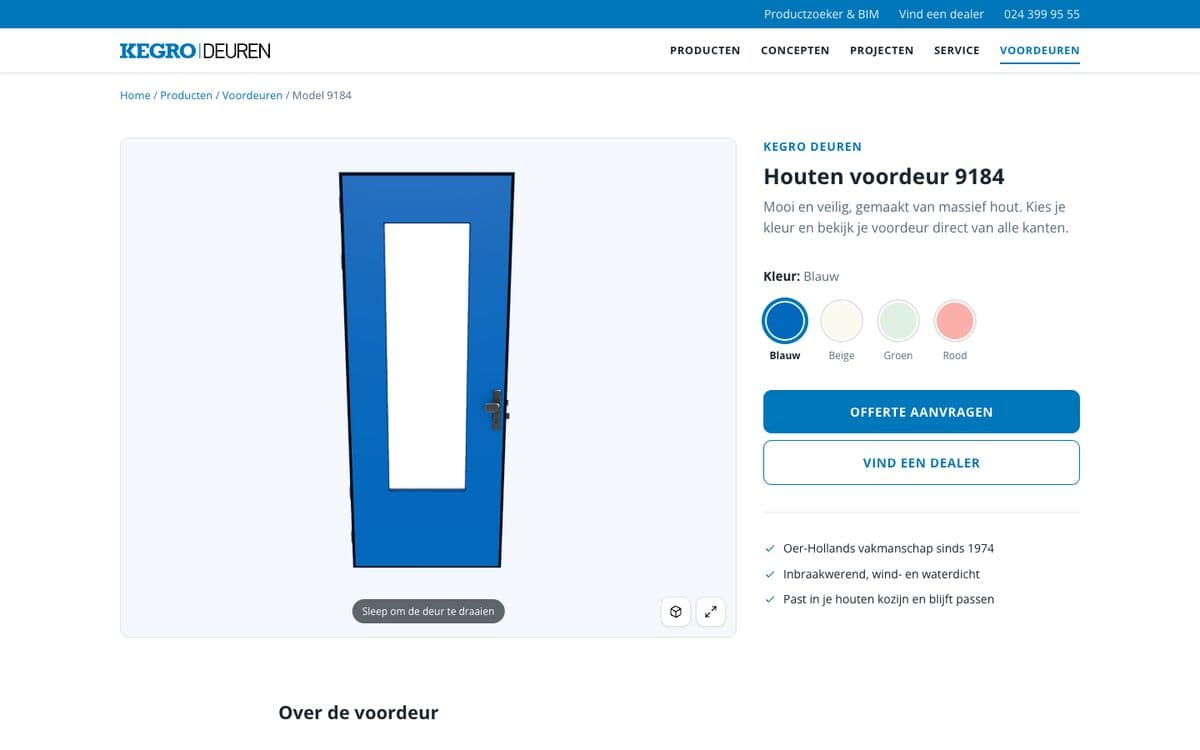
Connection, mounting and profile. An installer wants to see how something fits before ordering it.
Furniture and interiors
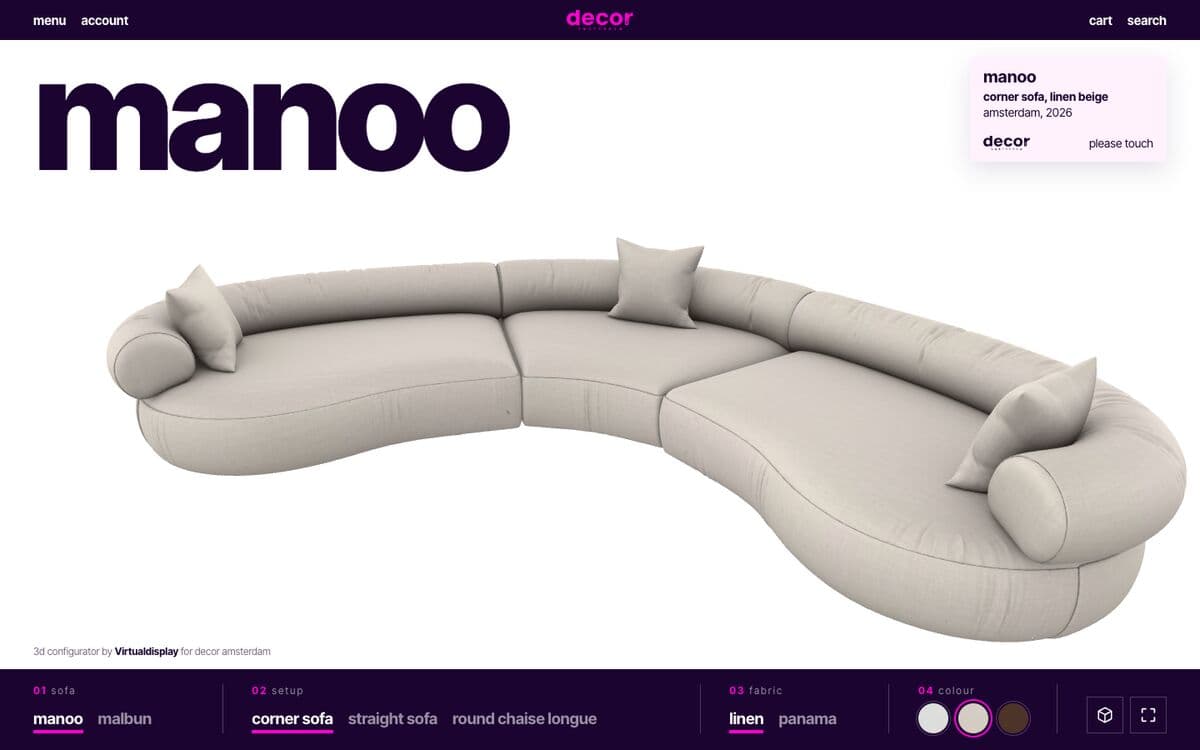
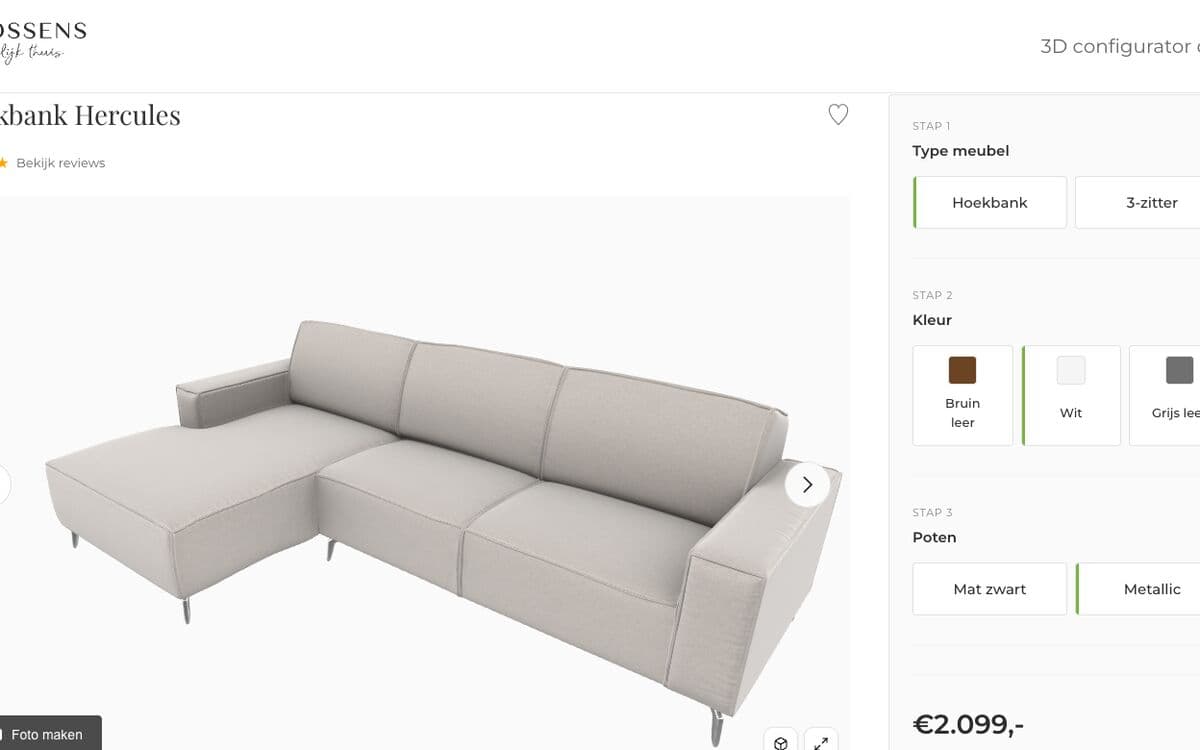
Setup, fabric and colour. Furniture is where it started, read more about the furniture configurator.
How to build one
You do not need a developer, and you do not need a months-long implementation.
A model with variants
Your 3D model holds the parts that can change. If you do not have one, we make it.
Upload it to Portal
Drag your GLB file into Portal and set which choices visitors get.
Paste the embed code
1 line of HTML on your product page. Works in WooCommerce, Shopify and anything else.
What it costs is on pricing. Your first model is free, so you can try it before you pick anything.
This is what configuring looks like
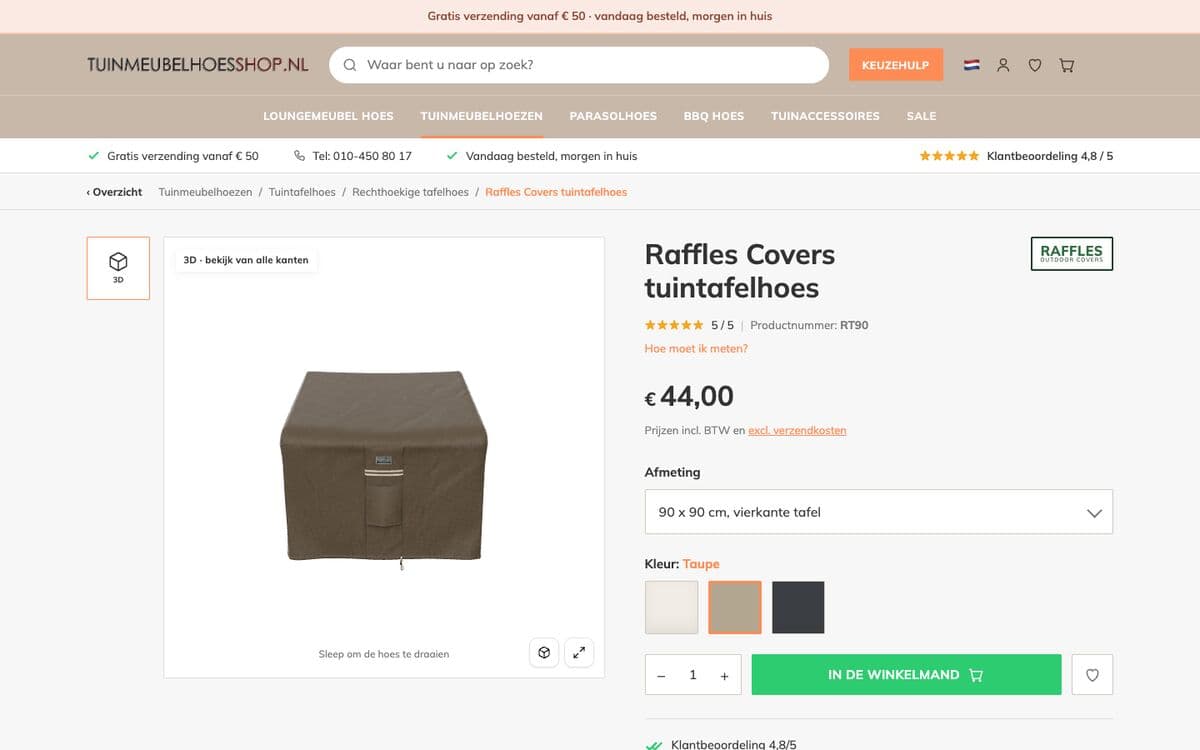
We built these examples ourselves, around existing products and with the product page around them.
Try it with your own product
Upload 1 model and see what visitors do with it. If you get stuck, we will think along.